
I saved a blog post months ago from a teacher I follow. It was from a student project called The Modern Voices Project. The project called for students to create posters of books they were reading in and out of the classroom. The software the students used was Canva. Canva is a very easy graphic design tool. (More about Canva later in this post). When I saw the posters the students had made, I knew I wanted to learn about this digital tool and introduce it in my classroom as a way for students to creatively memorialize their reading. I also felt it would create a culturally diverse visual library in the classroom. Our students are diverse and not everyone reads books in English or books from the American canon. It also seemed like a great way to save space, decorate the classroom with students art, and pay homage to the books the students read. Book reports and essays are soon forgotten, but a visual can remain on a classroom wall the entire semester. You can visit The Modern Voices Project site by clicking HERE
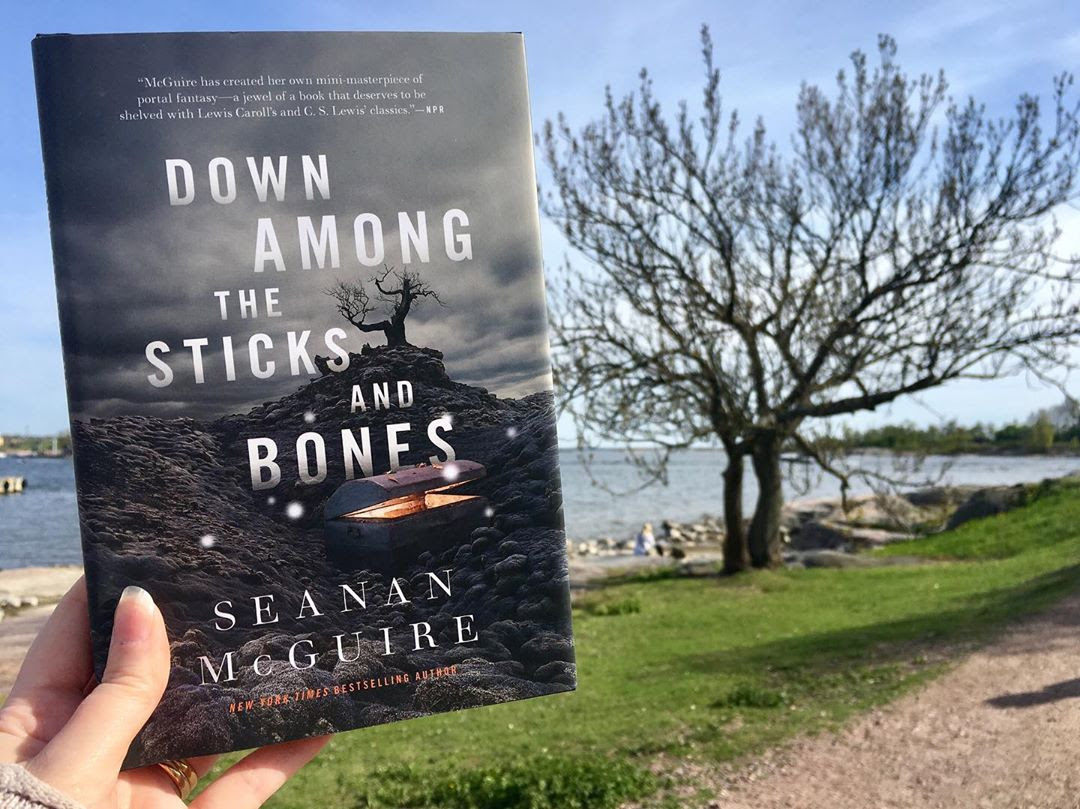
Canva has a number of valuable affordances. Like WordPress, there is a free version that can do much, but its constraints are are also like WordPress – the free version has limitations. Canva is user friendly and has a tutorial built right into the opening pages. The navigation is clear and easy to follow. The free items they do offer seem sufficient for my purposes in the classroom. Because it is a graphic design tool, it has many more uses than student posters. The templates include multiple designs that any teacher and student would find useful. There are several fun planner templates that I could see using to post my daily agenda. Another constraint I can see is needing a color printer. The high school where I student taught was judicious in its use of its color printer because of the expense. I also wonder about the student who wants the tactile experience of creating a physical poster as sort of a collage with pictures, text, and color. The affordance to that constraint is the student who doesn’t enjoy creating art on paper but is happy with creating digital art. Another affordance is also the ability to easily edit and change a piece of digital art. No materials are wasted; no cost is incurred when changes are made. When I played with the tool, I could easily change colors, fonts on my text, and experiment with a variety of stock pictures. In other words, I could create multiple iterations -5- until I was satisfied, albeit only partially, with my result. Imagine wasting 4 posters before arriving at the one that works. I think of the cost, the large amounts of paper and materials going to a landfill, the time involved in starting all over, and the surface space needed to work on the product multiple times.

The Poster took me a lot longer than perhaps it would with one of my students. It didn’t turn out the way I wanted it to, but I think with more time and more tinkering, I could get the hang of Canva.
As I reflect on Canva vis a vis the reading, the Canva tool does change the way we think about making art. I can see some thinking that the traditional ways of making student art and the skills involved are lost when going digital. Some may question if using Canva does create art. What happens is our definition and ideas about what constitutes a work of art, or in this specific example – a student poster, changes and expands with the use of Canva. The student who has trouble drawing a stick figure will still go through the same process of design and choice that the artistically skilled student goes through. One student uses digital art supplies; one student takes out paper and drawing implements. Can we call a digital product art? Can we call the digital producer an artist? Why not! Canva does change the boundaries of space and time. Students and teachers do not have to purchase art supplies which are very expensive. They do not have to store paper and art supplies. A computer is required but most schools have them in good supply. The other change I think about is how a student group can work on a poster in class or from another location. Students could be online at home, the library, Starbuck’s, or any location with wifi. Talk about changing the boundaries of space!
My advice for my fellow teachers is – DO IT!
Why I think it’s a great digital tool for the classroom:
- It has a free option. We teachers love free!
- It’s very user friendly. You can demonstrate the tutorial for the students and away they will go!
- Your students can have fun either individually or in a group. Think of the various groupings you can create and how different groups can create diverse products.
- It is a creative activity than crosses all cultures, ethnicities, genders, and belief systems. It is a great way to differentiate!
- It aligns with many technology state standards. The activity can be incorporated in your lesson plan to satisfy state standards.
- Being creative in a digital modality develops growth and expands the idea of what a text is to include images and digital media.
- Creativity, technology, and innovation are 21st century skills needed in the workplace.
Some caveats:
- The finished product requires a color printer. Many students do not have a color printer so a color printer at school will be necessary. It might be a budget concern.
- Some students with artistic ability may see the digital poster as a replacement or dismissal of their artistic skill. You will need to make a decision if you want uniformity in your products or a mash –up of digital and physical.
- A graphic alone may not satisfy the assignment goals, so you may need to add more to the lesson, such as a presentation or written reflection.
Questions I have for teachers are:
Would you find this digital tool useful in your classroom? How would you use it? How would you assess the student’s work? How would you make time for students who are not very tech literate? Would you consider the use of digital media a way to differentiate?
 Using Technology for Student Success